Circadian rhythm · a personal time tracker
Your hours, in one file you own.
Cirrhy tracks time against clients, projects and tasks, and keeps every record in a single readable document in a folder you choose. No account, no server, no network code — sync it with whatever you already trust.
{
  "format": "cirrhy", "formatVersion": 2,
  "runningTimers": [{
    "deviceId": "7c1e…a94f",
    "startedAt": "2026-09-23T08:12:40.000Z",
    "description": "API contract review"
  }],
  "entries": [{
    "start": "2026-09-22T13:02:11.000Z",
    "stop":  "2026-09-22T15:40:05.000Z",
    "description": "Onboarding flow, iOS",
    "billable": true
  }, …],
  "tombstones": […]
}The loop
Start, stop, and pick up where you left off.
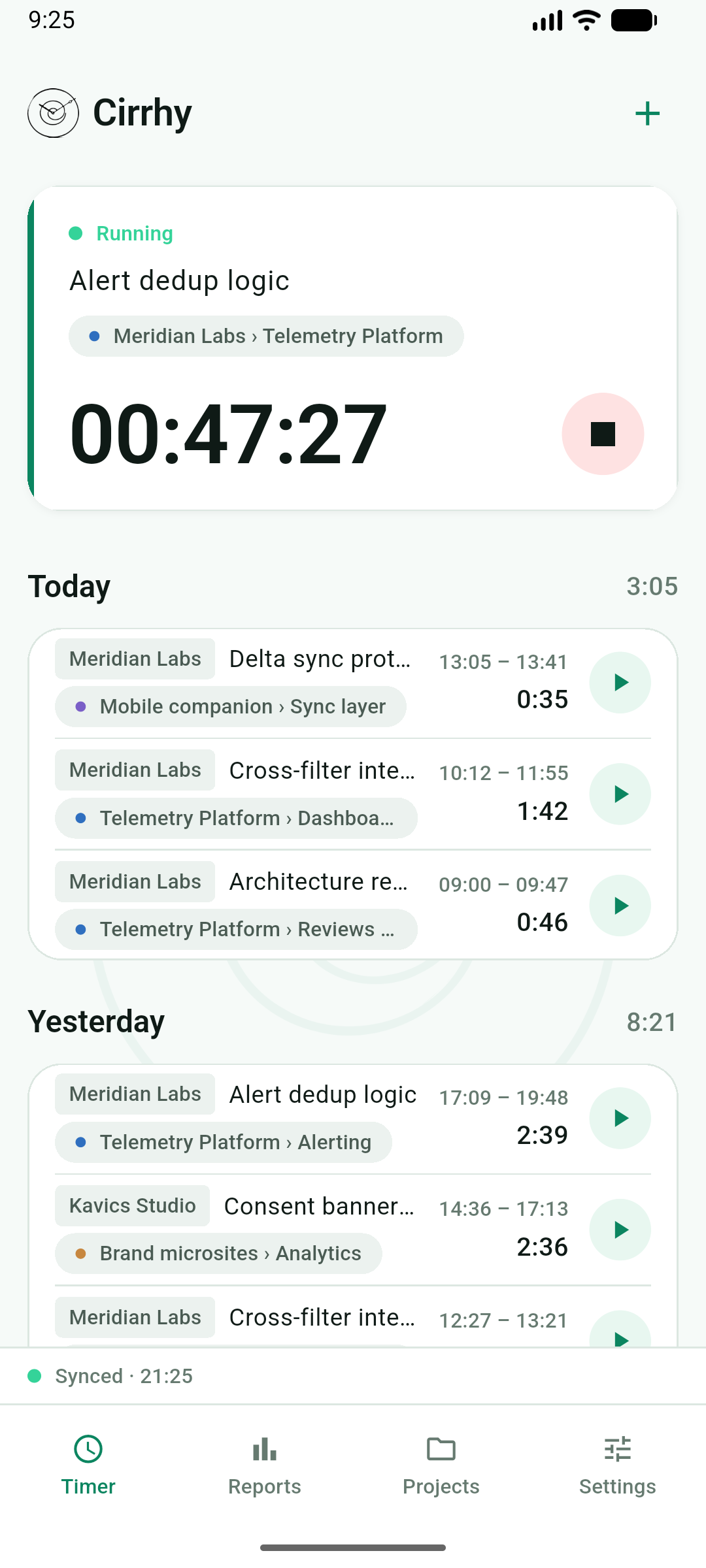
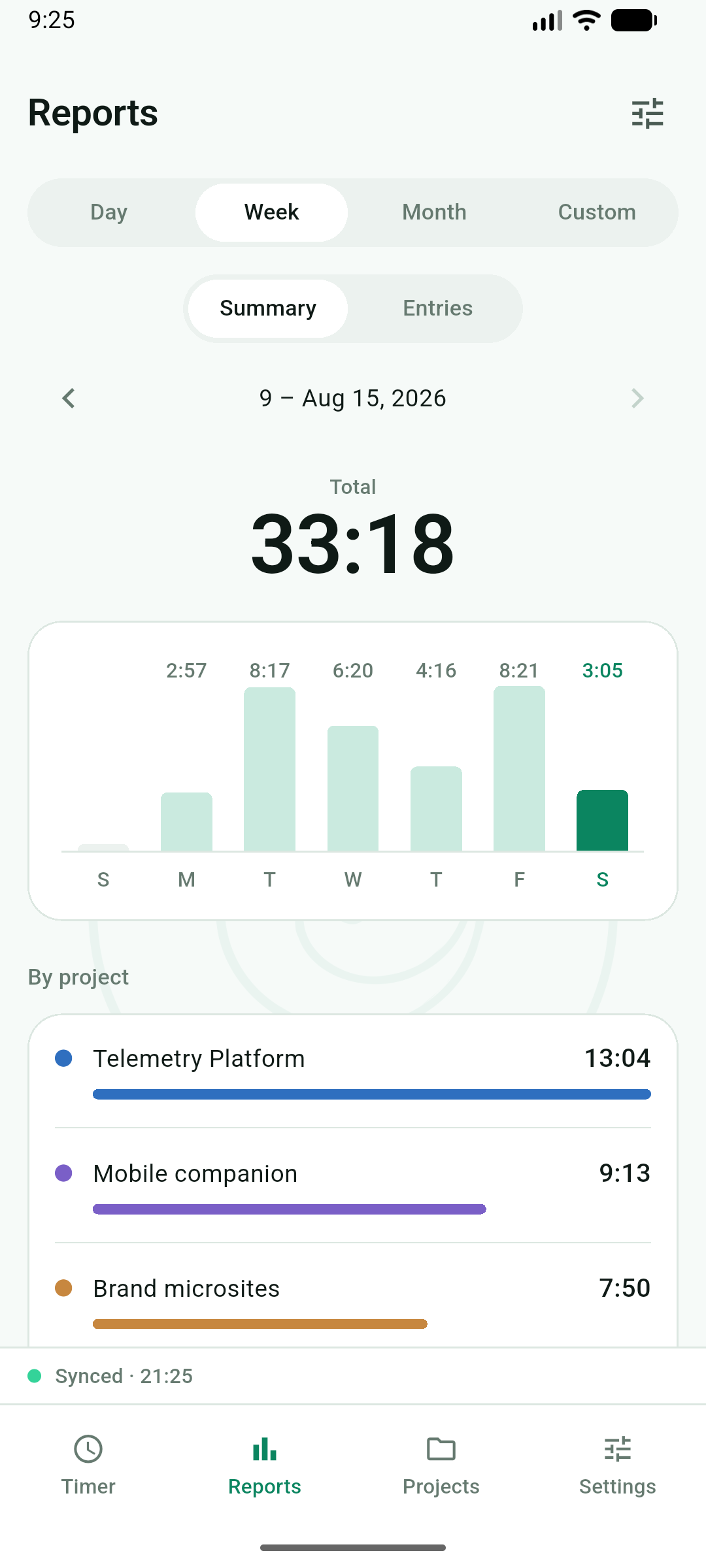
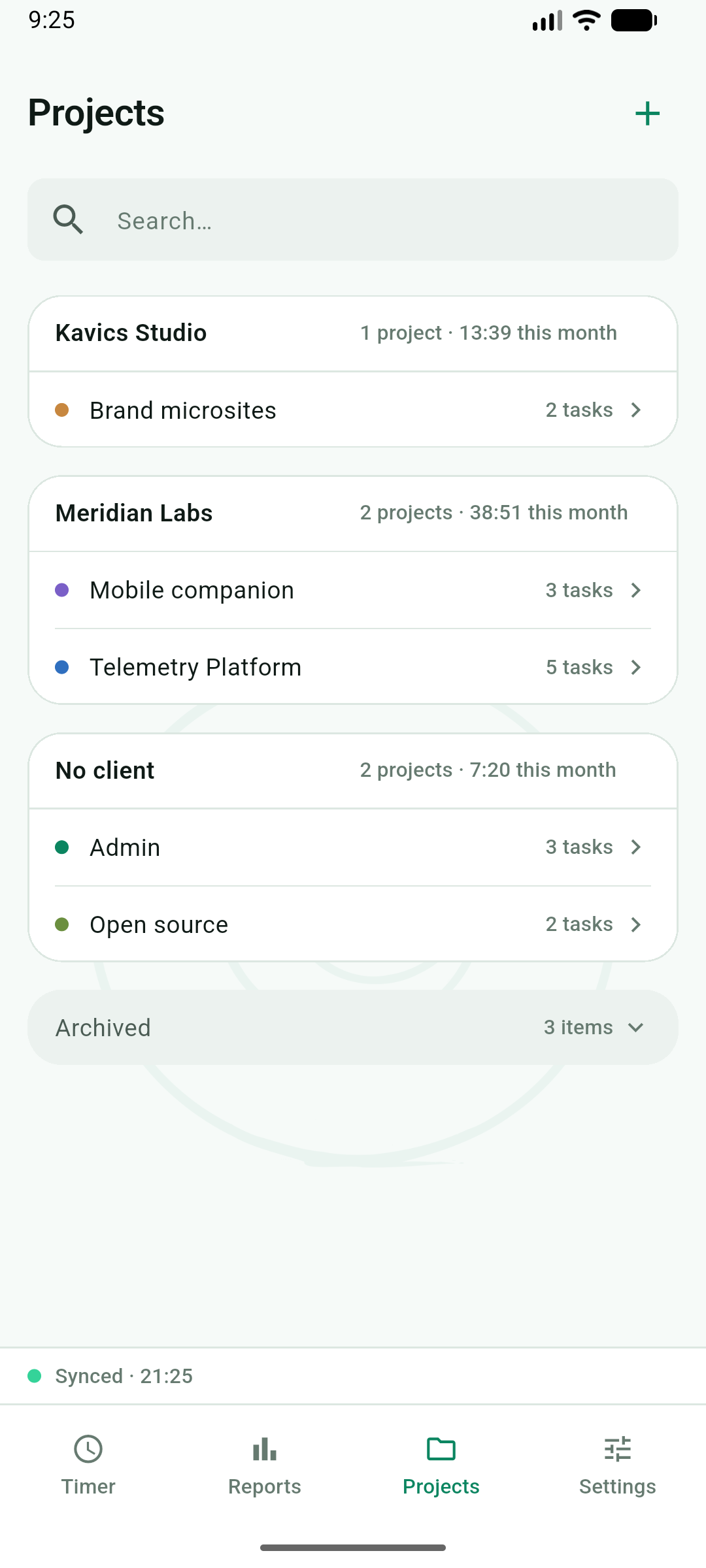
The running timer sits above your recent work. Every past entry has a run button that starts a new timer from it — the tap you make twenty times a day.
Sync is your choice
Put the folder in iCloud Drive, Dropbox, Nextcloud or Syncthing. Cirrhy talks to none of them.
- Read, merge, write. Every save merges into what is on disk now, never blindly overwrites it.
- Per record, not per file. Two devices edited between syncs is the normal case, not a conflict dialog.
- Losers are demoted, not destroyed. The older side of a conflicting edit moves into that record's history.
- Deletions stay deleted. Tombstones stop a stale copy from resurrecting what you removed.
- One timer per device. Two timers left running are shown for you to reconcile, never silently swallowed.
One file, and it is yours
There is no export button, because there is nothing to export from.
The document is plain JSON with a published schema. Open it, back it up, script it, or hand it to an AI agent for the report the app does not have.
Readable
One cirrhy.json per folder. UUIDs, UTC timestamps, nothing encoded or encrypted.
Documented
A JSON Schema and an agent-facing format guide ship in the source, so imports and reports go through the file.
Recoverable
Backups before any write that cannot be atomic, plus Back up now whenever you want one.
Auditable
Apache 2.0. Every line that touches your data is public on GitHub.
Privacy
Collects nothing, because it has no way to send anything.
Data Not Collected
The same answer Cirrhy gives on its App Store privacy label, for every category.
| NoNetwork requests | The app contains no networking code at all. |
| NoAccounts or sign-in | There is no identity of any kind to create. |
| NoAnalytics or crash reporting | Nothing measures how you use it. |
| NoTracking or advertising | No third-party SDK that collects anything. |
Everywhere you work
One document, every device.
The same file opens on each of them. Windows is built but not yet tested by anyone — reports welcome.